Is Your Cell Phone under Surveillance?

Updated:

In today’s surveillance state, it can feel like your every move is being watched. Although your mind may be conjuring up images of CCTV cameras tracking our movements outside of the house, your biggest security vulnerability is probably sitting right next to you: your phone.
In this article we will look at the different types of surveillance, and specifically the risks to phone security that you need to be aware of.
We’ll show you how to recognize the obvious signs of phone monitoring, identify potential security threats, and remove them from your device.
Table of contents
Protect your phone with Certo
Download Certo Mobile Security for iPhone or Android and protect your device from cyber attacks now.
Different Types of Surveillance
Surveillance can be carried out in a few different ways. We break them down below.
Covert vs. overt surveillance
Covert surveillance is a type of monitoring that is concealed from those being observed. Technology such as hidden cameras and phone tapping are good examples of this happening.
Overt surveillance uses techniques and technology that are not hidden from the person being observed. Visible security cameras or speed cameras are both types of overt surveillance.
The key difference between covert and overt surveillance is that with covert surveillance the person is unaware they are being watched, whereas the opposite is true with overt surveillance.
Technical and electronic surveillance
Most surveillance uses some kind of technical equipment or electronic device to do its work.
The most common example of electronic surveillance is video surveillance, in the form of closed-circuit television (CCTV).
This type of surveillance is usually used in crime prevention and criminal investigations, although it can be used for many different purposes.
Audio surveillance is another type of tracking, which involves ‘tapping’ a person’s phone to listen in on their conversation without their consent.
This practice is regulated by both federal and state governments, and federal and local law enforcement need to obtain a warrant before they can tap a phone.
The advanced technology and privacy policies of phone manufacturers also make it increasingly difficult for the authorities to hack people’s phones, even in the case of a crime.
In one well-known case back in 2015, Apple refused to unlock an iPhone used by a terrorist in the San Bernadino shooting, saying that doing so could potentially decrease the security of its system and put other Apple users at risk.
The phone was eventually unlocked by a private company based in Australia, after Apple refused to build the password bypass system that the FBI required to collect evidence.

Cyber surveillance
Cyber surveillance is the monitoring of computer activity or data that is transferred over the internet.
Whether you’re accessing the internet via your cell, tablet, or computer, it’s possible that your information could be intercepted.
If the subject has given their consent for their information to be stored and how it can be used, this type of surveillance is legitimate.
For example, if you sign up to Facebook and agree to their policy regarding data storage and use, you are legally giving them access to information about your personal life. Facebook remembers your current or past addresses, places that you’ve checked into, pages that you’ve liked, and much more.
The dangers of the company holding this information were brought to our attention in 2018, when it was revealed that a data analytics company working for the presidential campaigns of both Ted Cruz and Donald Trump had harvested the personal information of up to 87 million Americans via Facebook.
It then used this information to create Facebook ads with the goal of manipulating their vote.
Although the victims of the Cambridge Analytica scandal initially willingly gave their details to Facebook, some organizations or individuals may try to access and use your information without your permission.
The type of software they use to do this is called spyware, and it can often be installed on your phone without your knowledge. We’ll talk more about how to prevent this later in the article.
Detect and remove spyware with Certo
Find cell phone spyware and remove it from your device with Certo for iPhone or Android.
Human surveillance
Human surveillance is the oldest type of surveillance, and it involves someone physically following or monitoring an individual (or a group) to gather information.
Spies or moles carry out human surveillance, and their work is covert—in other words, the subject does not know they are being watched.
How the Feds Could Be Monitoring Your Phone
Cell phones are our constant companions and they store tons of information about us. Whether you’re messaging friends, shopping online, or getting directions to the store, our phones offer attackers a treasure trove of sensitive information.
Could the police be accessing this information, too? Let’s take a look at some of the methods they could be using.
Fake cell phone towers
Cell phones are connected to phone towers, which provide the signal and connection you need to make calls, send messages, and use data.
Once your phone is connected to a phone tower, it provides it with information about your location, who the phone is registered to, and more.
Although it can be difficult for federal law enforcement agents to get permission to intercept the information held by phone towers, they have developed a workaround: fake cell phone towers, or ‘”stingrays,” which are produced by a private company and sold to the police.
By creating these fake cell tower devices—which can be attached to planes or helicopters—the police are able to intercept data about the movements of people on the ground.
Although law enforcement provide little information about how and when they use stingrays, it’s thought that they may have been used during protests such as Black Lives Matter to collect information about the protesters and their whereabouts.
Stingrays can also be used in criminal investigations to trace specific individuals that the police are searching for. One well-known example is the case of fraudster Daniel Rigmaiden, who was caught via a stingray that pinpointed his exact location.
GPS location
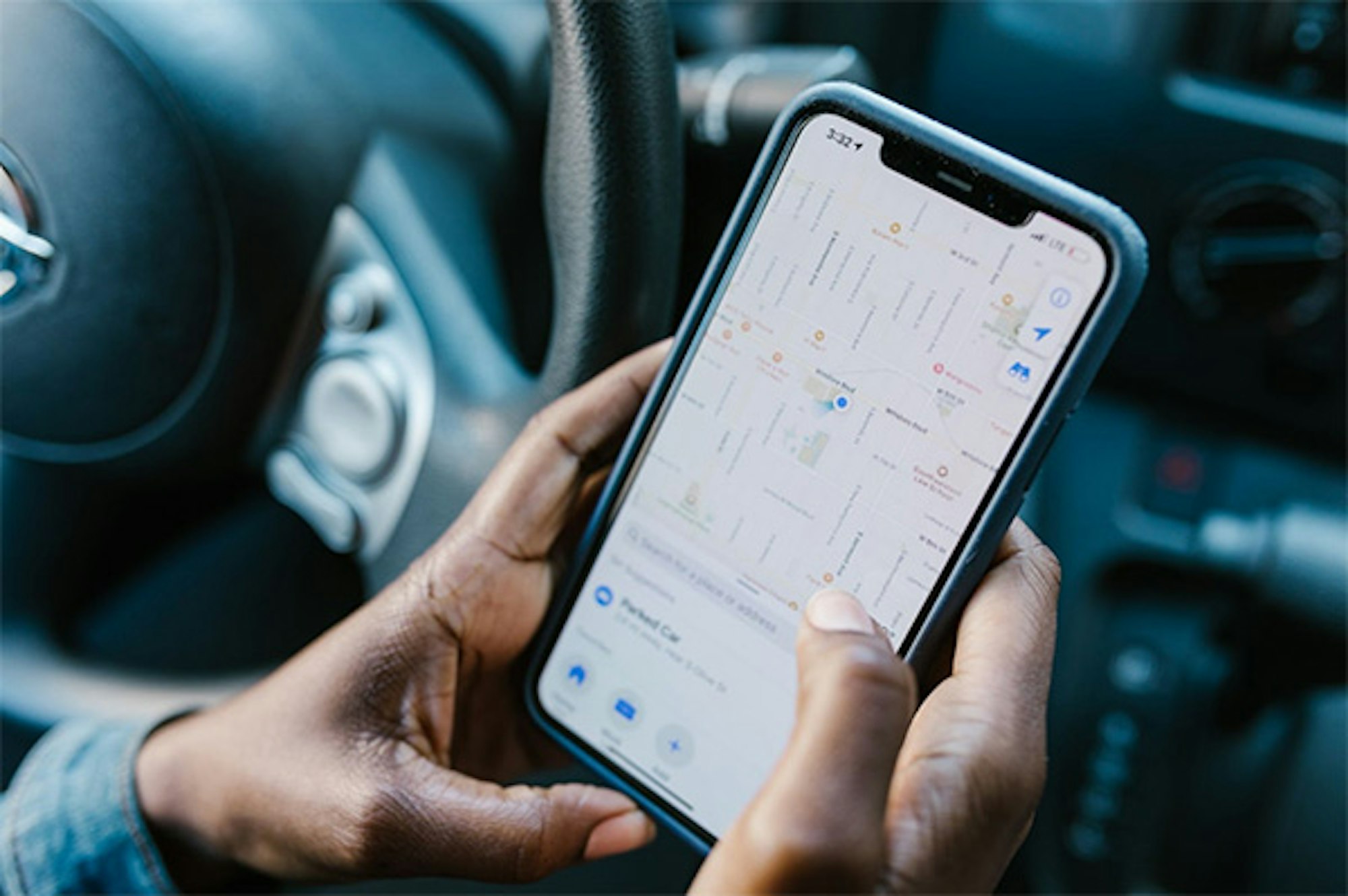
All modern phones and smartphones have GPS built into them. Although it has many advantages, such as providing navigation for journeys, in some circumstances it leaves your phone open to monitoring by the police.
Although law enforcement is not usually authorized to use GPS phone tracking without a warrant, there are certain emergency situations where it is permitted.
For example, when the Capitol building was stormed back in 2021, government agencies and the police used GPS tracking to gather information about who was there.
Mobile apps
In recent years, there have been multiple reports of the authorities (including the FBI and the IRS) secretly buying location data and other sensitive consumer information from private companies.
Although many believe that this is a violation of privacy rights set out in the Fourth Amendment, it is currently a legal gray area.
Reports suggest that law enforcement agencies use this information to track the whereabouts of individuals, as well as gain access to their address, personal details, purchase history, and more.
Warning Signs That Your Phone May Be Hacked
Although it can be very difficult to find out whether the police are tapping your phone, they are not the only people who may be interested in your private information.
Whether it’s a suspicious partner, your boss, or someone you don’t know, it’s important to keep your information safe.
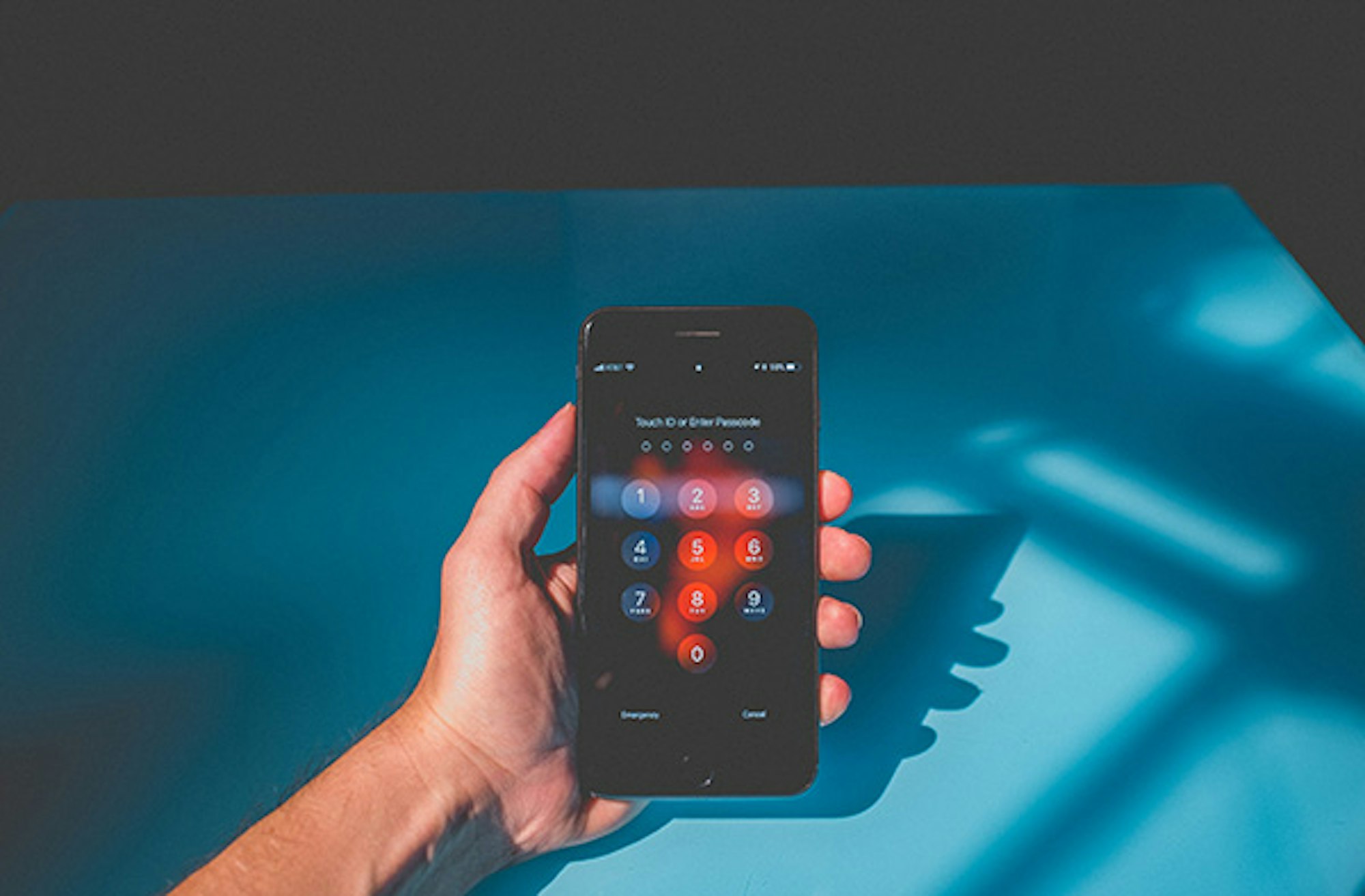
If you’re worried that your phone is being tapped or monitored, there are a few common signs to watch out for.
Unfamiliar apps
Most people have a number of apps installed on their phone—some that they use on a daily basis, and others that are used less frequently.
If you think that you’re under surveillance, we advise checking your installed apps to see if there are any you don’t recognize.
Unfamiliar apps with access to your location, camera, and/or microphone are a big red flag and it’s reasonable to assume that you are being targeted.
If you notice any apps that you don’t remember downloading, it’s possible that someone has installed them onto your phone without your consent.
Phone behaving strangely
Spyware makes phones work extra hard, since it has to continually send information to the person or organization hacking it.
This increased activity can cause a drop in your phone’s performance and battery life, and you may notice the battery draining much faster than usual.
However, it’s important to remember that the battery life of a phone will naturally get shorter over time.
If you have an older phone, poor battery life is not necessarily a sign that spyware is in use.
Spyware can also cause your phone to take longer than usual to shut down, or to be unusually hot to the touch.
The sudden and unexplained use of excessive data is another of the common signs of a malicious app.
Check your bill and keep track of your data usage, and if you notice anything of concern you can investigate further.
How to Check Your Phone for Signs You Are Being Monitored
Depending on the type of phone you have, there are different ways to search for spyware.
It’s important to remember that the anti-spyware tools mentioned below are primarily designed to detect consumer spyware such as mSpy, FlexiSpy, and XNspy, which can be easily installed on someone’s phone to monitor them.
They may not be able to pick up on monitoring carried out by law enforcement agencies and authorities.
Android
If you have an Android phone, one of the best ways to find out whether spyware is installed on your phone is to download an anti-spyware app like Certo Mobile Security. This app will do a full scan of your device and inform you whether there are any apps that are bugging your phone.
iPhone
If you have an Apple phone, things are a little trickier because iOS security apps are unable to perform a full virus or spyware scan, due to restrictions put in place by Apple. However, there are still ways to detect spyware on an Apple device. One option is Certo’s AntiSpy tool, which can run a complete virus scan of any iOS device via a USB connection to your computer.
How to Remove Surveillance Spyware from Your Phone
If you do detect spyware on your phone, you need to remove it immediately to prevent your information being further compromised.
Once again, the steps you take will be different depending on whether you have an Android or an Apple device.
Android
The quickest way to remove spyware from an Android phone is to use an app like Certo Mobile Security. If any threats are found after the app has scanned your device, simply click ‘Remove’ and the spyware will be deleted.
You can also try to remove spyware manually, although the process is lengthier. First you’ll need to look for unfamiliar apps on your phone, and then delete them yourself.
You can also check app permissions on your phone to find out which apps have access to your camera, location, and microphone. If you notice anything suspicious here, you can delete those apps.
Find app permissions by heading to Settings > Apps (or Manage Apps) > App Permissions. Tap each permission to check which apps have access.
You should also ensure that Google Play Protect is enabled. This inbuilt tool will scan your phone to check for any malicious or harmful apps, and it comes as standard with all recent versions of Android.
To activate it, go to Settings > Google > Security > Google Play Protect (or Verify Apps). Tap to turn it on, and click ‘refresh’ to scan for threats.
iPhone
Although you can’t download anti-spyware apps directly onto an iPhone, tools like Certo AntiSpy enable you to remove harmful apps from your Apple phone by connecting it to your computer via USB.
If the software finds a malicious app on your phone, you’ll be given an option to remove it. If this isn’t directly possible, AntiSpy will provide clear instructions on how to do so yourself.
If you decide to go it alone and try to remove dangerous apps without using a tool like AntiSpy, the process is a little more involved.
You’ll need to look for suspicious apps manually by searching through all of the apps installed on your device. Remember to check app folders too, since sometimes hackers hide spyware out of sight.
Restarting your phone can remove some types of spyware on an iPhone. Doing a software update to make sure you are running the latest iOS version can also make it difficult for hackers to access your phone, since they often rely on out-of-date software and security vulnerabilities.
You could also try doing a factory reset, which wipes all information from your phone and restores it to its original ‘factory’ state.
However, if you choose this option, you’ll need to make sure you backup your device using iTunes, Finder, or iCloud so that you don’t lose your photos, music, and more.
How to Protect Your Phone and Yourself in the Future
One of the best ways to defend yourself from spyware attacks is to take preventative measures. From creating strong, secure passwords to using anti-spyware tools like Certo, there are a number of things you can do to stay in control of your phone security.
Choose smart passwords
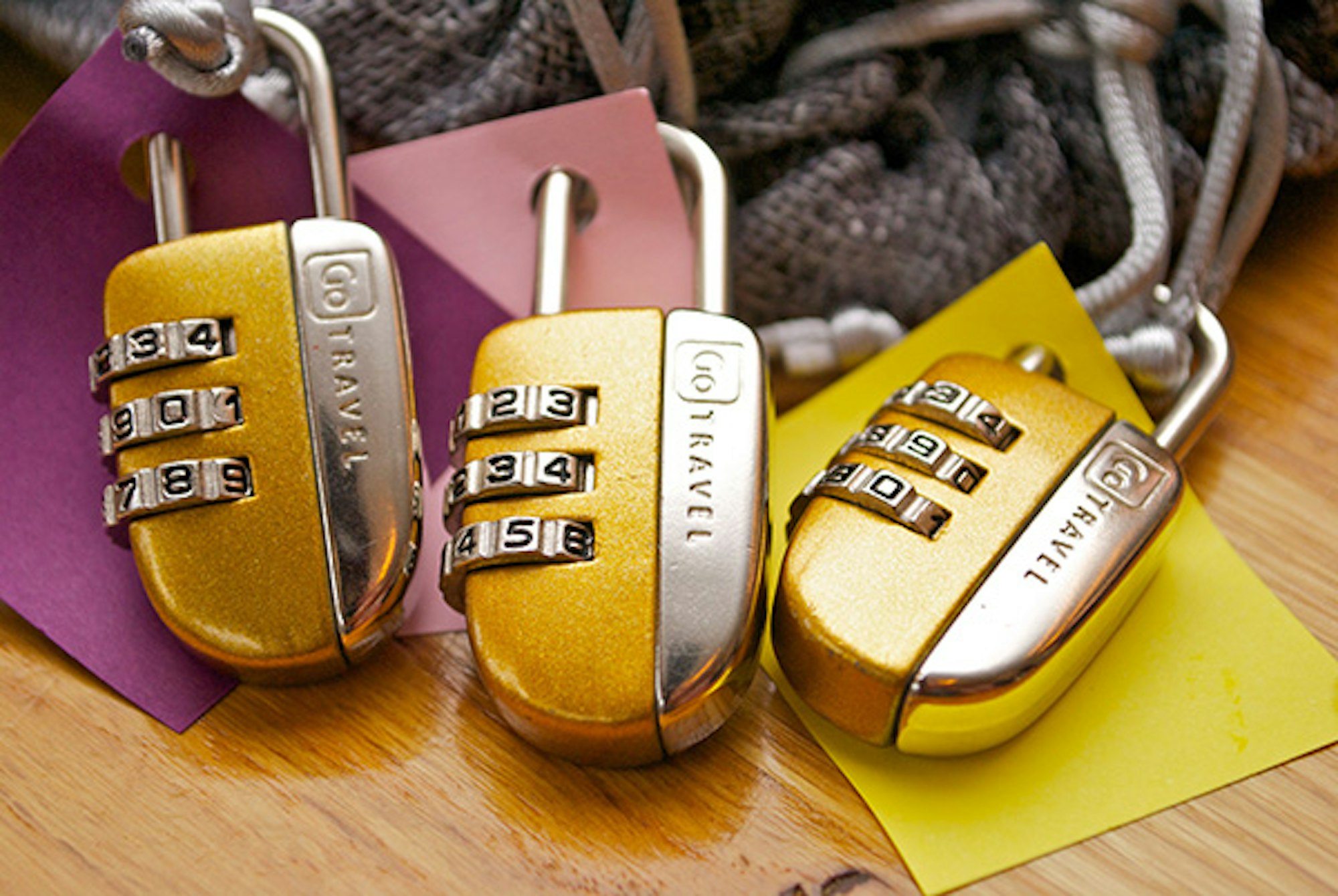
Although it may seem obvious, choosing a strong password is often the first line of defense against hackers.
Use a combination of numbers, symbols, and uppercase and lowercase letters to make it harder for people to break into your accounts.
Don’t use the same password for everything and consider using a password vault. This is a specialized piece of software that keeps all of your passwords in one place using one master password.
Password vaults use encryption to prevent your data being compromised, and they are a great way to enhance your online security.
Choose privacy-focused apps
If you want to keep your information secure, you should think carefully about which apps you allow to access it.
Just because an app is popular and well known, this doesn’t mean it’s the best choice in terms of protecting your privacy and identity.
In fact, you could say the opposite is true, with big names like Facebook landing in hot water over their privacy policies.
Think about alternative, more privacy-focused apps you could use to carry out the same functions as the most popular ones.
For example, Telegram has an end-to-end encryption feature that is more secure than WhatsApp, while DuckDuckGo is a privacy-focused search engine that makes it a great alternative to Google.
If you’re interested in learning more about our favorite privacy-focused apps, you can read our article here.
Use Certo
Anti-spyware software from Certo is the best way to protect your device from being intercepted. With tools designed for both Android and iPhone, Certo will scan your phone and immediately notify you of any threats.
If a threat is found, it can usually be easily removed at the click of a button. If removing the spyware is more complex, Certo will provide clear steps on how to remove it manually.
Key Takeaways
Although it can be difficult to know for sure whether the police are tapping your phone, you can take measures to protect your privacy.
Here are our top tips on how to keep your information safe:
- Be aware of warning signs that your phone may be tracked.
- Use apps that focus on user privacy.
- Download an anti-spyware app like Certo to protect you from threats.
Get peace of mind with Certo
Combat spyware with one of Certo’s award-winning apps for iPhone or Android.
FAQs
Can the government track my location?
Although the authorities are not usually authorized to track the location of citizens without a warrant, reports suggest that law enforcement has been known to pay private companies for access to user locations.
Can the FBI listen to my phone calls?
Federal agents have to follow strict protocol and go through a specific process if they want to listen to an individual’s phone calls.
They have to approach a federal judge and request approval, and they can only use a wiretap in certain cases—for example, terrorism crimes, drugs, misuse of passports, etc.
Do police need a warrant to track your cell phone?
The police cannot usually track your phone without a warrant, unless there is an emergency situation (such as the Capitol riot in 2021, when police were able to determine the location of the people involved via their phones).
Sophia is a Senior Content Manager at Certo Software, showcasing her deep-rooted expertise as an accomplished writer in the tech industry. With a genuine passion for cybersecurity, Sophia is a trusted source of insight and information.