Is iPhone Security Better than Android?

Published:
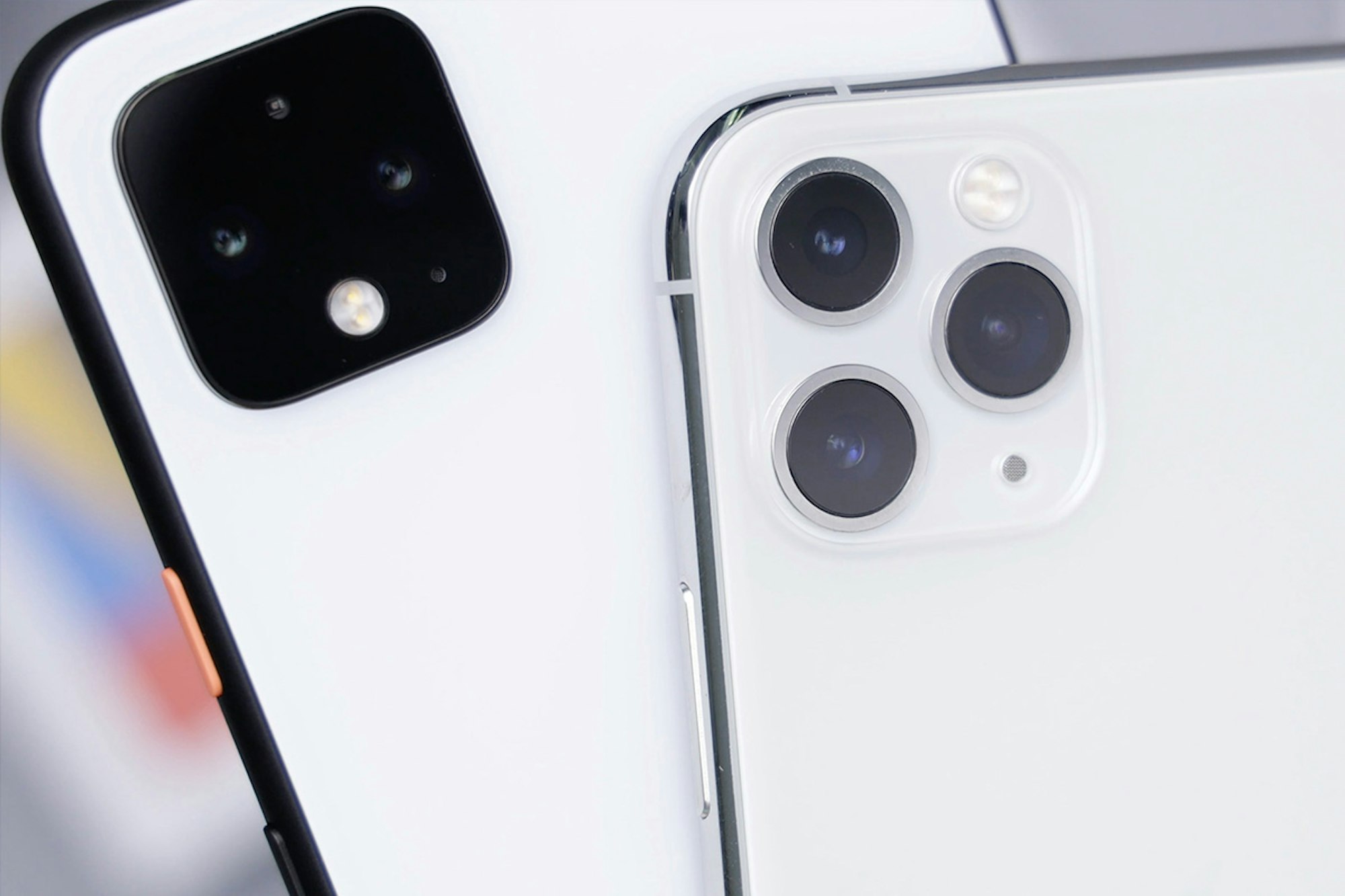
Now if you’ve spent much time reading our blog, then you’ll notice that we often mention that in most use cases, iPhone’s have better security than Android devices.
Of course, it’s still possible for someone to hack your iOS device if they know what they’re doing. No iOS device is foolproof, but we’ll get into that later.
Anyway, the question we’ll be asking in this article isn’t just, “Is iPhone security good?” it’s, “Who is the winner in the battle between iPhone security vs Android security.”
So, let’s get into it.
iPhone security – Pros and Cons
Pros:
- Apple are very good at staying on top of updates whenever a new threat is discovered.
- All iOS devices run on the same software, so Apple can easily and quickly push out those updates without the need for third party manufacturers to sign-off on the version for their specific devices.
- Installing malware is mostly limited to commercially available spyware, tracker apps or iCloud backup spyware that are typically not as destructive as software that can embed itself into the source code of a device.
- Updating a device usually solves any problems related to a hacking incident.
- Apple are usually pretty decent at keeping their App Store free from apps that can weaken the security of iOS.
Cons:
- Apple are very guarded about their operating system and restrictive of the types of apps they allow onto their App Store. This makes it impossible to create apps that can perform a full system scan of your device to check for spyware.
However, even with Apple’s restrictions, we’ve developed an innovative and unique solution to the problem of scanning an iPhone for spyware, available here. - Apple users tend to be more complacent. Even with all of Apple’s in-built security, it is still possible for a hacker to gain access to a device. It’s even easier when a user believes their device is ‘unhackable’ as many Apple users do, and does not take the proper precautions.
Award-winning mobile security
Certo's industry-leading spyware detection tools for iPhone and Android are trusted by millions worldwide.
Android security – Pros and Cons
Pros:
- The main advantage to Android is that the platform is much more open to app developers. That means that it is possible to create security scanning apps that can perform a full scan of your device as well as finding and removing any spyware found on the device.
Certo Mobile Security (now available here for free) is an app that can do just that and much more! - Android tends to be more customizable which can help with security. You have much more control over what features you use or don’t use. For example, you can quickly and easily block all apps that aren’t downloaded from the official Play Store.
- Android 10 brings new features that make the OS more on-par with iOS. This includes new privacy-focused features such as location information removal from media and preventing apps from Bluetooth and WiFi sniffing to determine location.
Cons:
- The big disadvantage of Android is actually the same as its main advantage. When it comes to developers, Android just allows more freedom and flexibility. This unfortunately means that whilst we get lots more apps that can help us with our security, there is also a lot more malicious software out there that can actually be a security risk.
As a result, Android spyware tends to be much more prolific than iOS spyware. - Another big part of the downside to Android is that spyware can actually come from innocent sources. There have been numerous reports of malicious code being found within apps that have been available for download on the official Play Store. This is particularly dangerous and, of course, has the potential to infect many people’s devices.
- Another downside with Android is the fact that OS updates are much less frequent than those on iOS. This means that any vulnerabilities found on a current version may not get patched for a few months, allowing the attack to claim many more victims.
Conclusion
As you can see, Android device security is certainly lagging behind iOS due to the more open nature of the platform, which can make it easier to get infected with malware. Fortunately, we’ve created an app to help you keep your device safe from viruses, spyware and other security threats that more commonly affect Android phones (and tablets, etc). Click here to learn more – It’s free to use and we’ll never show you ads.
If you’re an iPhone user, you are somewhat protected by Apple’s software but you should not be fooled into complacency – you are still at risk from hackers. Many of which are constantly trying to come up with new ways to access your sensitive data, no matter what device you are using. Don’t forget to check out our anti-spyware solution for iPhone here.
Content writer for Certo Software and a fervent privacy advocate, Catherine marries her passion for technology with a deep commitment to cybersecurity. Her work is not only informative but also serves as a guidepost in our journey towards a safer digital world.