How to Tell if Your Sim Has Been Cloned or Hacked?

By Simon Lewis
Updated:
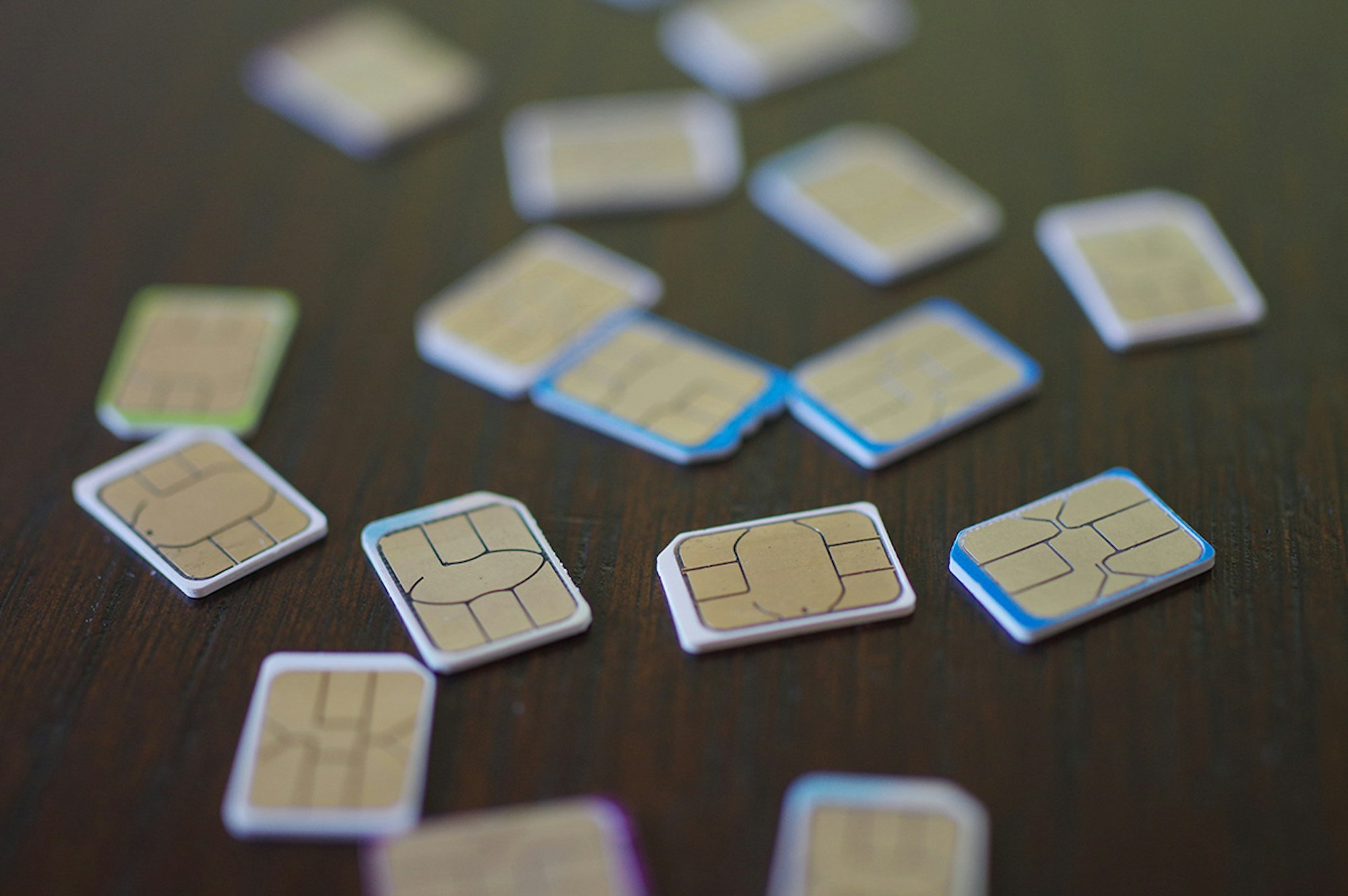
Something our experts are regularly asked is “can someone hack my SIM card in order to listen-in on my calls, read my text messages and track my location?”. It’s understandable that people would be worried about this, we are constantly using our phones to store and share lots of personal and private information – the last thing we want is someone hearing everything we say and reading everything we send to and receive from another person.
Protect your phone from hackers
Try the award-winning Certo Mobile Security for FREE today and protect your device from cyber-attacks.




There are a few main reasons why someone would want to clone/hack a SIM card:
- Gain access to Two-factor authentication codes sent via text message. This would allow the hacker to gain access to important online accounts that would be otherwise protected, such as online banking.
- To receive another person’s texts and calls, etc. This could be for a number of reasons including to spy on their communications activity and contact with others.
- To impersonate another person. If someone has cloned another person’s SIM card, not only do they have the ability to receive their incoming texts and calls, but they can also send outgoing texts and calls using their number. This means they could impersonate them to gain access to important accounts, or even scam the victim’s contacts.
- To target a high-value individual. Hackers will often target people of a certain position in business or of a certain level of wealth using this technique. This happened in 2019 when Twitter’s Billionaire CEO, Jack Dorsey fell victim to a SIM card hacking technique known as ‘SIM Swapping’.
So, Is It Possible for Someone to Hack or Clone Your Sim Card?
The short answer to this is yes. It’s absolutely possible for someone to clone or even hack your SIM card.
However, it’s not that common – in fact installing spyware onto a victim’s device is a much more common practice used by hackers. It’s also a popular misconception that hackers can ‘tap into’ your SIM card to listen in on calls, read texts, etc without you knowing. The reality is that it’s actually very easy to tell if your SIM card has been hacked or cloned.
Overall, compared to traditional spyware, SIM card hacking/cloning is not as effective, much harder to carry out and is much more easily detected by the victim. On top of that, installing spyware allows the hacker to collect other important information in addition to the calls and texts messages from a user’s phone.
However, let’s look at two methods hackers use to gain access to a victim’s SIM card.
Sim Card Hacking Boils Down to Two Main Methods:
SIM Swapping
An attacker uses social engineering techniques to trick your phone service provider into switching your number over to a new SIM card.
This would involve trying to convince an employee of the phone service provider to swap the number from one SIM card to another by posing as the account holder. If the hacker can convince the employee to swap the numbers, they will be unwittingly giving up access to the account holder’s phone number.
Another way hackers can approach this method is by recruiting an insider who will help them swap SIMS in bulk. Such a case was revealed back in 2018 with members of staff at a large mobile service provider in the US.
Once the SIM has been swapped, the victim’s phone will need to be restarted to complete the transfer to the new SIM card. Typically hackers will pose as the phone service provider and send a fake SMS message to the victim asking them to restart their phone to resolve a problem.

Fig 1. Example text message received in a SIM swapping attack.
SIM Cloning
An attacker gains physical access to your SIM card and then clones it onto a new SIM card they control.
This is a method that requires the hacker to physically copy the SIM card by placing it in a card reader attached to a computer. Duplication software on the computer will then allow the number to be cloned onto a blank SIM card.
This can also be carried out wirelessly if the hacking method is sophisticated enough to break the in-built security encryption that protects the SIM card.
Once the hacker has a clone of the SIM card, they can then use this in a device they control to access the victim’s texts, phone calls and location data.
Free mobile security with Certo
Try the award-winning Certo Mobile Security and protect your device from cyber threats today.
How to Tell if You’ve Had Your Sim Card Hacked
Finding out if you have been affected by SIM hacking is usually easier than you think. Here are 5 quick ways to detect if your SIM card has been cloned or hacked:
1. You’re no longer receiving calls and texts
If someone has cloned your SIM card or has convinced your network operator to switch your number to a new SIM card that they have in their possession, you won’t receive any more texts or phone calls.
A phone number can only be associated to one SIM card at a time. You can easily check this by asking a friend to call or text you and if it doesn’t come through then you know you might have a problem. Note: If you can still receive calls and texts then your SIM has not been hacked or cloned.
2. Unrecognized numbers on your account
If you’re checking the outgoing calls on your bill and see numbers that you don’t recognize, it might be time to contact your network operator and try to get more information.
3. You receive a message requesting you to restart your device
One of the very first signs of SIM hacking that you’ll notice is a seemingly random text purporting to be from your network provider asking you to restart your device. This is usually a message sent from the hacker. Restarting the phone gives them a chance, whilst the phone is off, to steal your SIM details.
4. Your device appears in a different location on location-trackers
If you’re using something like Find My iPhone for iOS or Google’s Find my Device for Android, then this can be a good way to check for SIM problems. If your phone is appearing in a different location, this is a sure-fire sign that your SIM card has been compromised and is being used by a hacker. Note: In a lot of cases, hackers will just disable this setting.
5. You’re locked out of your accounts
Lots of accounts utilize a security feature called two-factor authentication. This is a feature that prevents a hacker from accessing your account even if they know your username and password. This works by confirming your login with a unique code sent via a text message.
The problem is that if a hacker has managed to clone or hack your SIM card, they can now receive that verification code and use it to gain access to accounts that they wouldn’t have had before. This has happened before in a real-life scenario as mentioned here.
Final Thoughts
Once you’ve ensured that your SIM card hasn’t been cloned or hacked, you may also want to check if someone has installed spyware on your phone. As mentioned above, this is a much more common way for hackers to eavesdrop on your calls or texts as well as reading other private information such as emails, browsing history and account passwords.
If you’re concerned about data-stealing spyware then protect your device with Certo AntiSpy for iPhone or Certo Mobile Security for Android.
By Simon Lewis
Co-founder of Certo Software, Simon has spent over 15 years pioneering cybersecurity solutions. A respected industry expert, he continually shares his wealth of knowledge through engaging discussions and insightful written pieces.